Teacher-confirmed curriculum coverage
Curriculum coverage tracking for those “Did I cover that?” moments.
See what you’ve taught, what’s scheduled, and what still needs attention, then connect everyday plans to curriculum coverage without rebuilding a spreadsheet every term.
Teacher-confirmed coverageAI-assisted matchingReports when needed
Created and hosted in Canada.
Welcome back, Courtnay
Here’s your curriculum coverage overview for late May.
Coverage
82%
across 8 classes
Taught
142
confirmed items
Planned
24
scheduled items
To Do
31
items remaining
This WeekOpen calendar →
Mon
20
Probability check-in
Novel circles
Tue
21
French oral practice
Wed
22
Ecosystems review
Thu
23
Confederation debate
Fri
24
Geometry stations
Portfolio reflection
Your Classes+ Add class
English 7/8
87%
53 Taught9 Planned10 To Do
Math 7 A
84%
21 Taught5 Planned5 To Do
The problem
Curriculum coverage shouldn’t live in five different places.
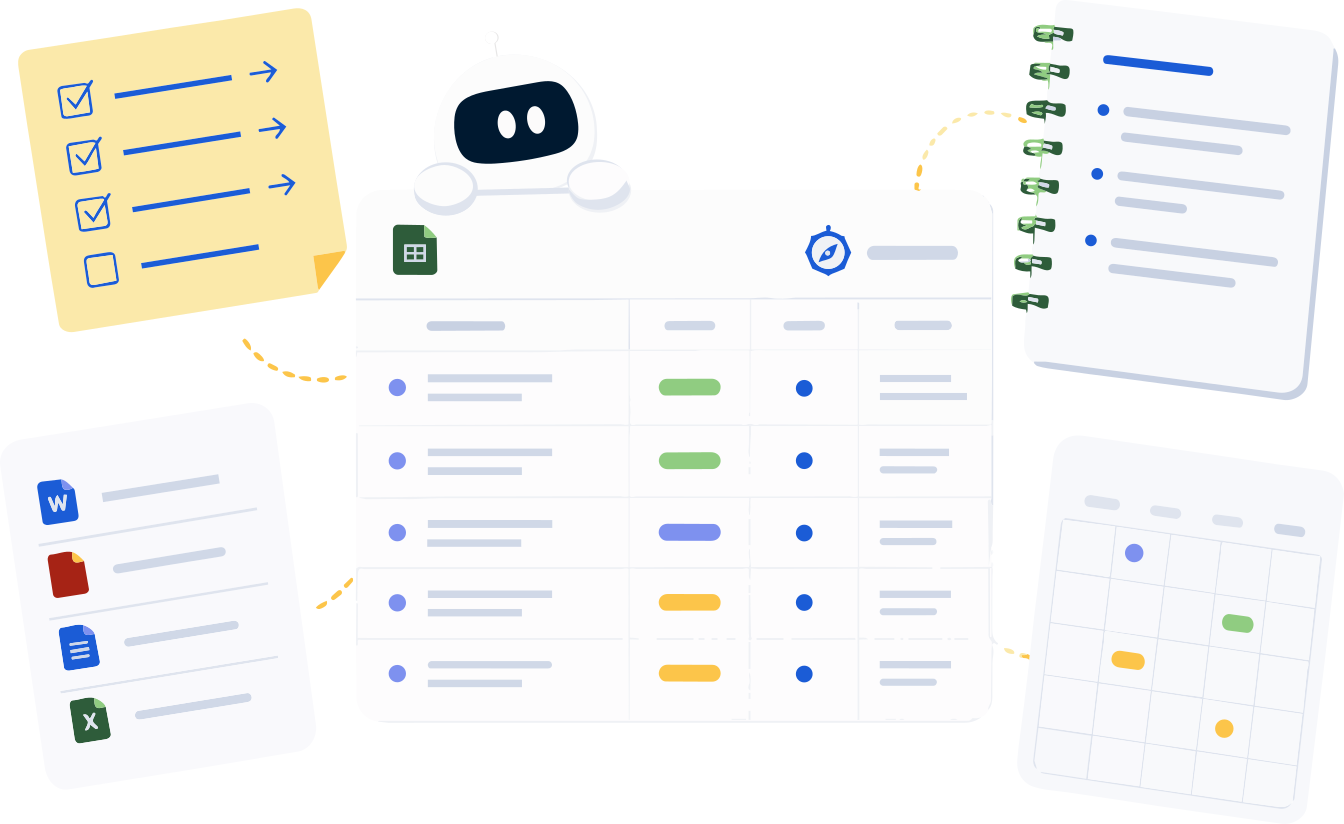
Spreadsheets go stale. Plans get tucked into Google Docs. Reporting evidence shows up at the worst possible moment. Compass connects the dots, so what you taught, planned, and still need to cover appears in one calm view.
How Compass works
A simple workflow for connecting plans, curriculum, and coverage.
Set it up once, then let everyday planning keep your coverage current — no spreadsheet to rebuild every term.
- 1Choose your class — Set up the class, subject, grade, and curriculum source you want to track.
- 2Add or log a plan — Upload a plan, paste one, schedule something, or Quick Log what already happened.
- 3Review the curriculum links — Compass can suggest matches, but you decide what actually fits.
- 4Mark it planned or taught — Scheduled plans count as Planned. Completed plans count as Taught.
- 5Use the record when you need it — Pull coverage summaries, planning logs, or report support from the work you already tracked.
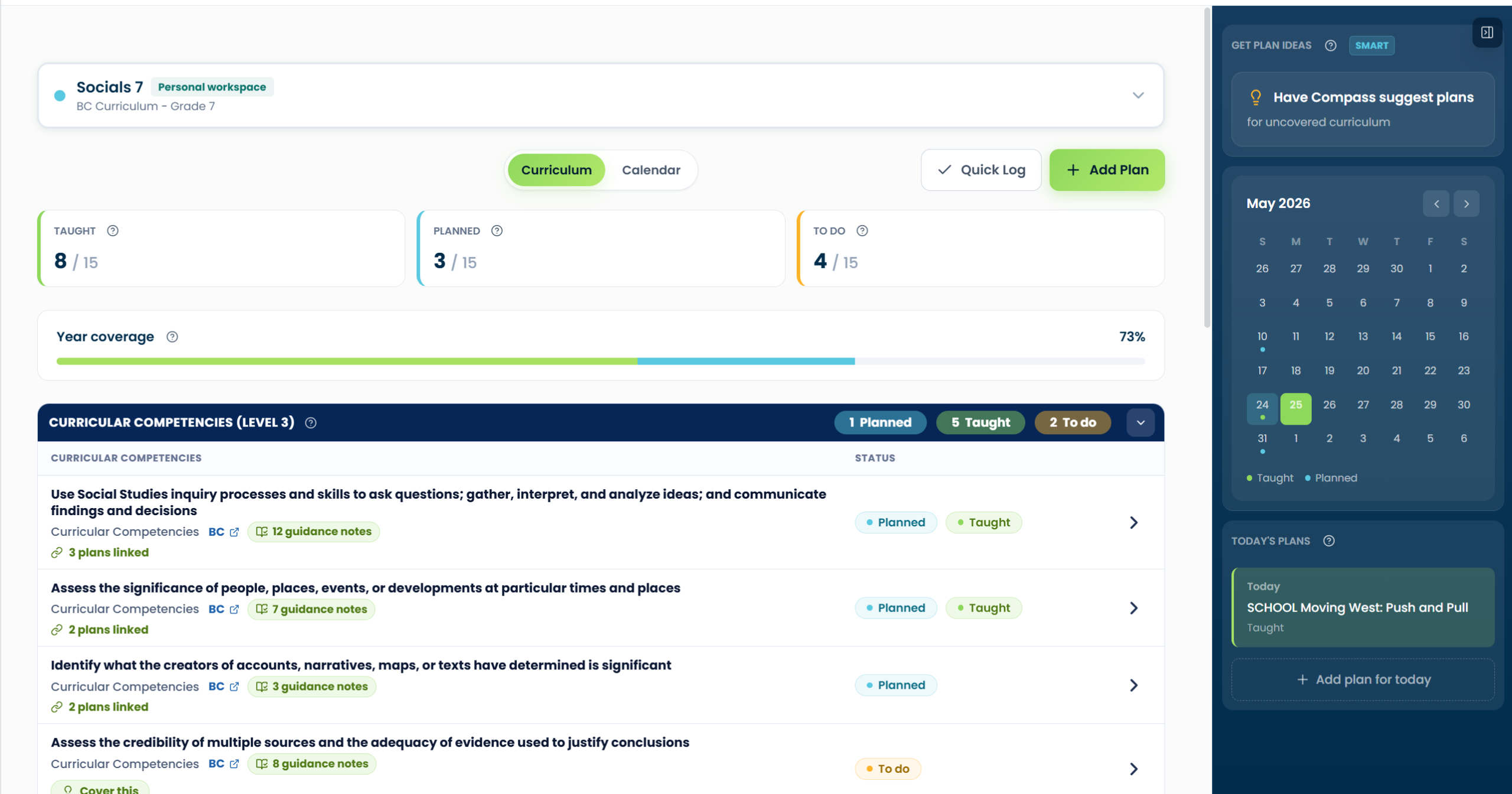
The Plan view — every curriculum item with its Taught / Planned / To Do status in one place.
See coverage clearly
One view for Taught, Planned, and To Do items.
Plan once, track as you go
Add plans, schedule them, or log what already happened.
Stay in control
Compass suggests links. You confirm what counts.
Getting started with Compass
View Compass Learn & Support
Need a quick hand?
Start with the basics, then open Compass Learn & Support whenever you need more detail.
Start here
Plan workspace
Add what you’ve planned or taught
Add Plan for what’s coming, Quick Log for what’s done.
Add a plan →
Reports
Check coverage and create reports
See To Do, Planned, and Taught — then export a clean report.
See reports →
Sign up today
Ready to try Compass?
Create your Compass account and start connecting plans, curriculum coverage, and reporting records in one clearer workspace.